SPEND.NET Cards FAQ
🎯 How to Issue a Card
Steps to get a card for digital ad payments
Follow these simple steps to get your Advertisement card:
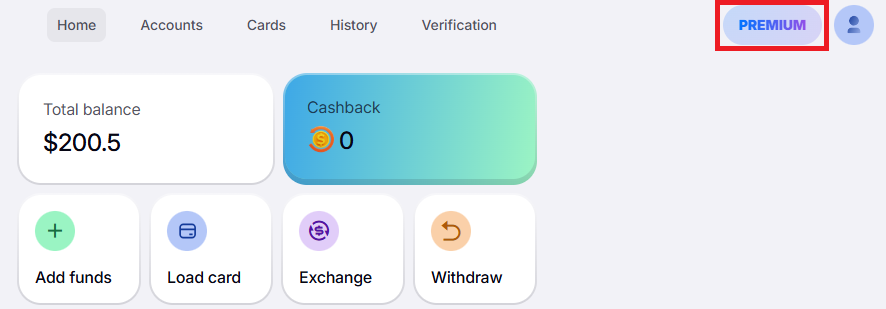
1️⃣ Click "Premium":
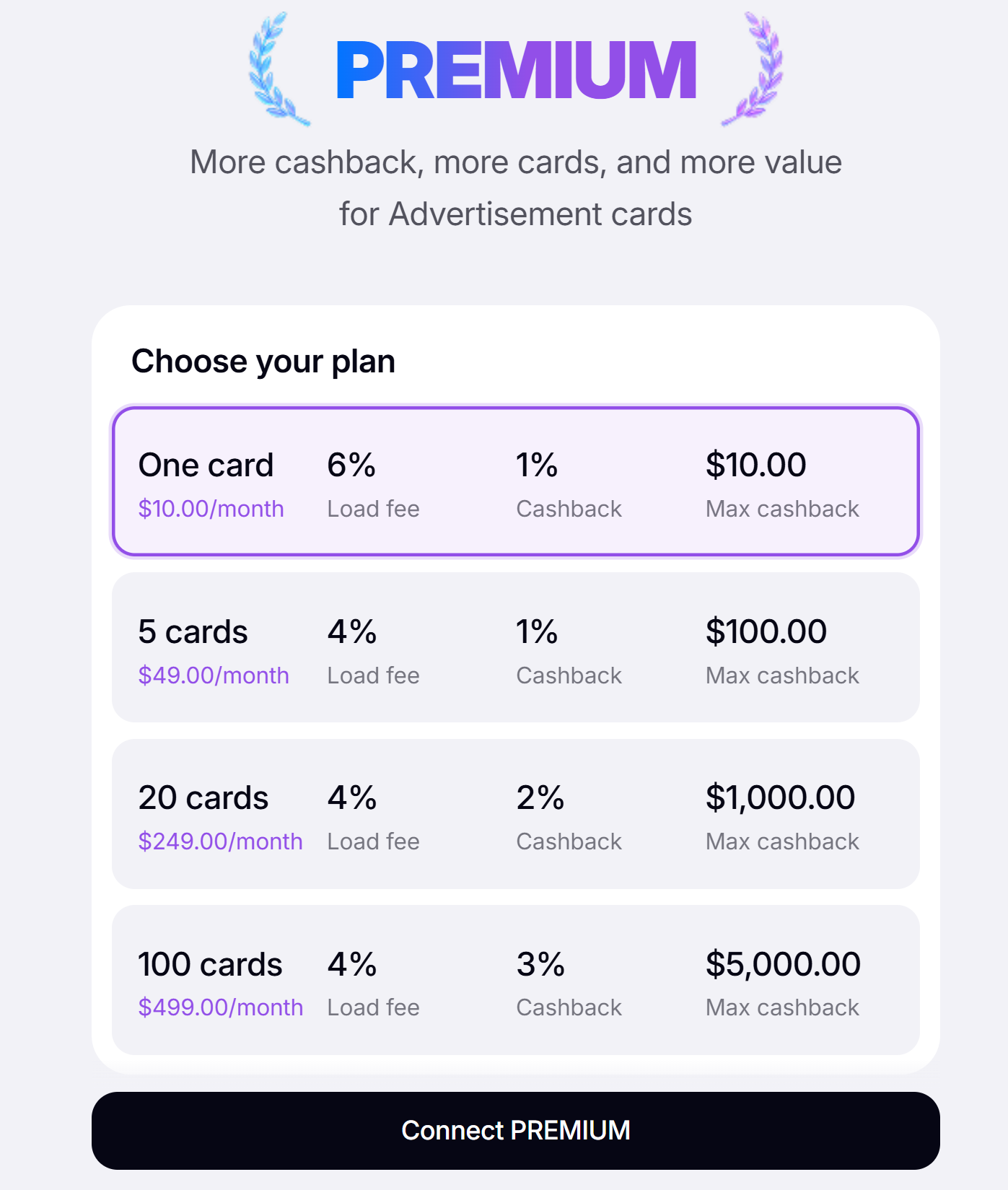
2️⃣ Choose your plan and click "Connect Premium":
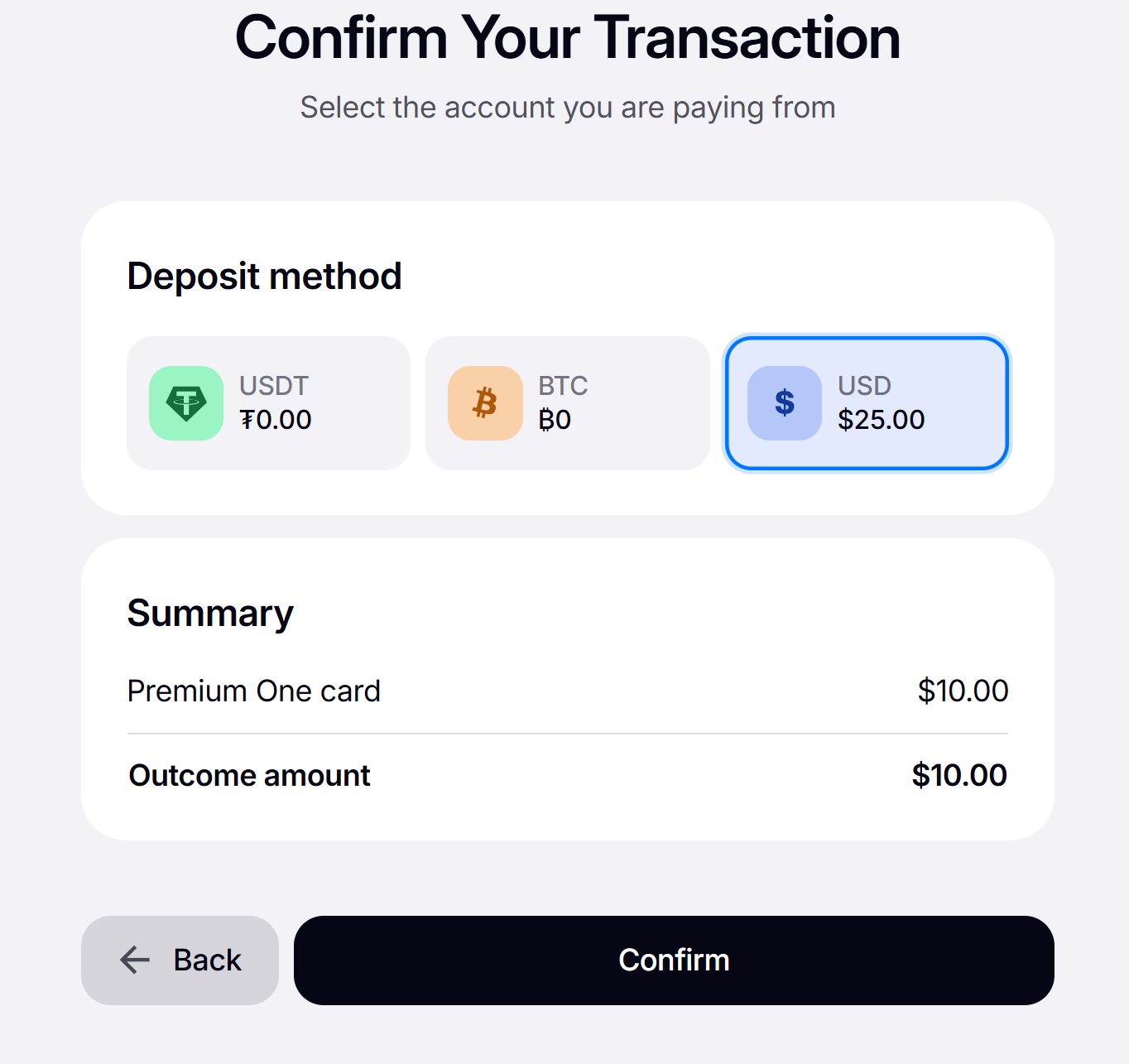
3️⃣ Select the account to pay from, review the transaction summary, and click "Confirm":
Done! 🥳 Now you are ready to issue your card. To do this,
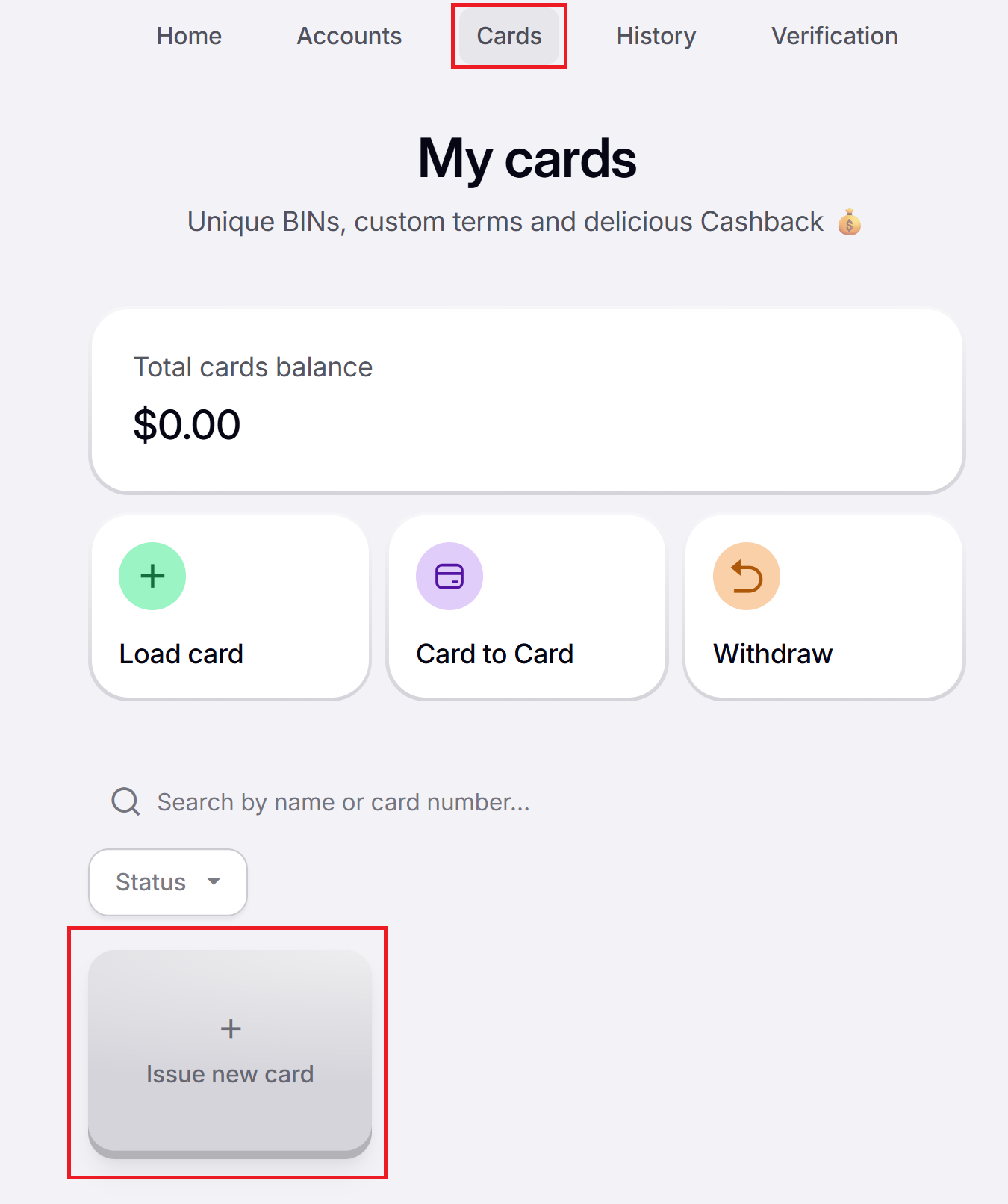
1️⃣ Go to the “Cards” tab and click “Issue new card”:
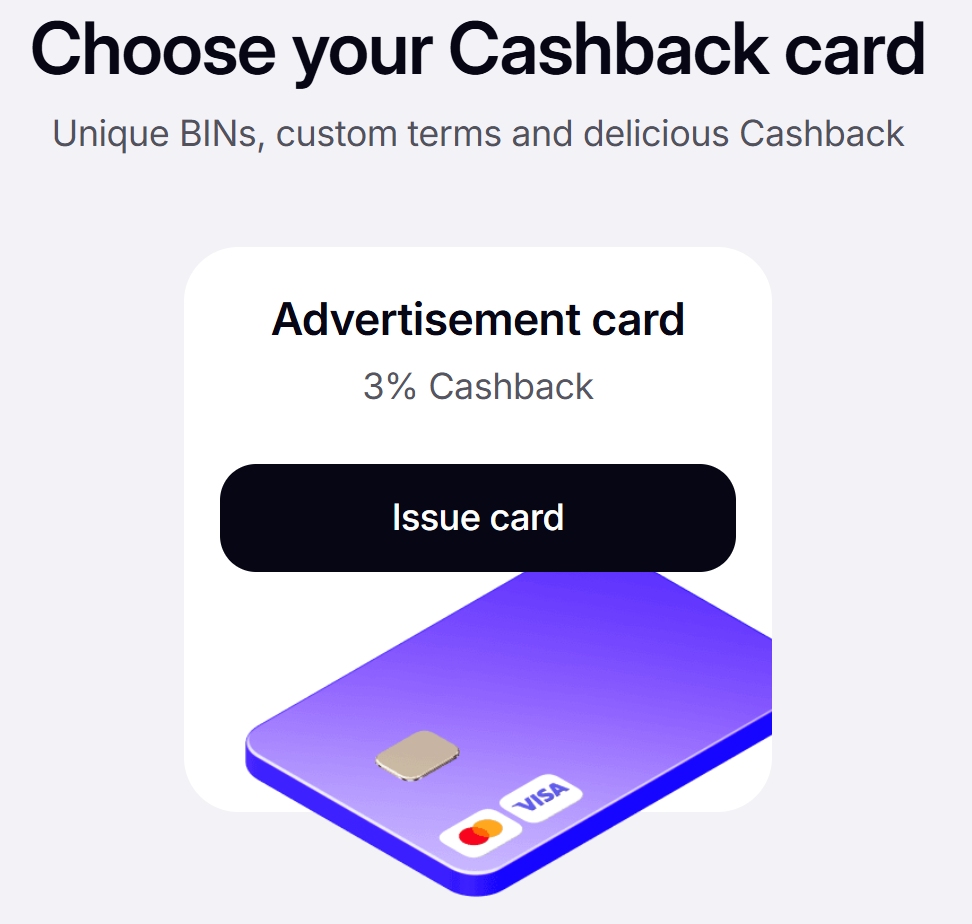
2️⃣ Click "Issue card":
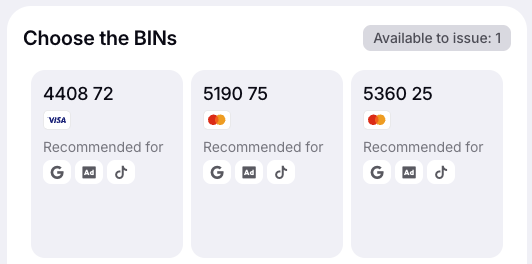
3️⃣ Select a BIN, hover over it, click “Add”, and then “Continue”:
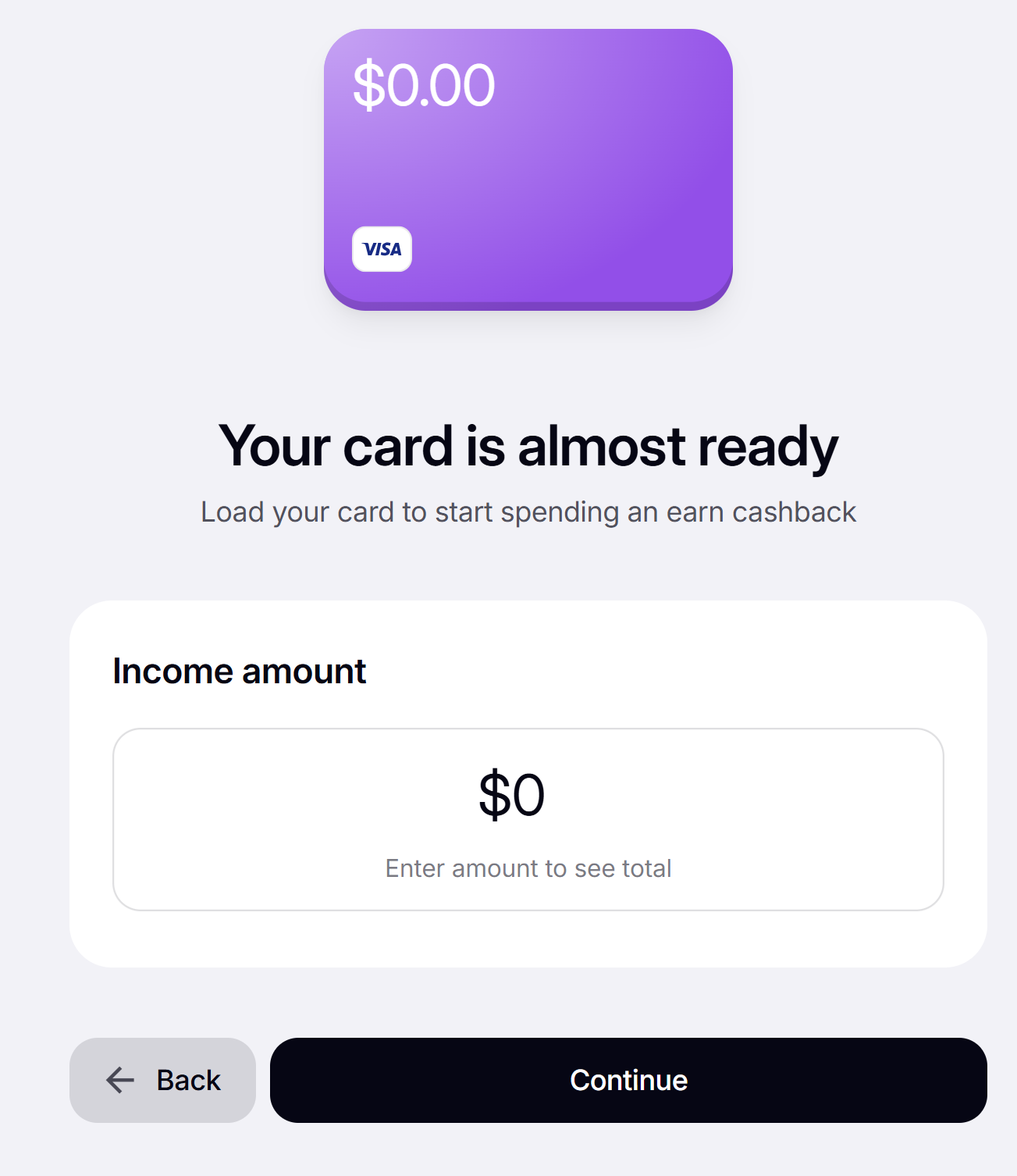
4️⃣ Enter the amount to load and click “Continue”:
5️⃣ Select the account to pay from, review the transaction summary, and click “Confirm”:
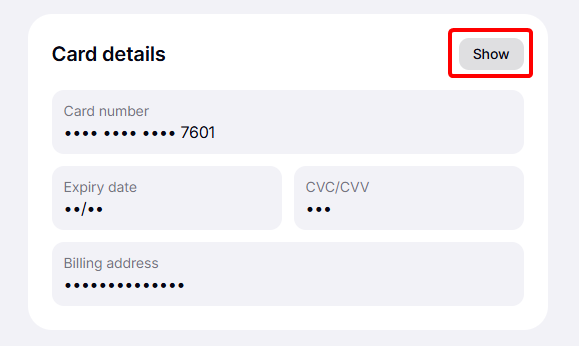
Done! ✅ Your card is now ready to use. Click “Show” to view the details. 💼