PREMIUM Plan
⚙️ How to Manage the Subscription
Need to upgrade, renew, or cancel your subscription? Here's how.
🔎 How to Check the Subscription Details
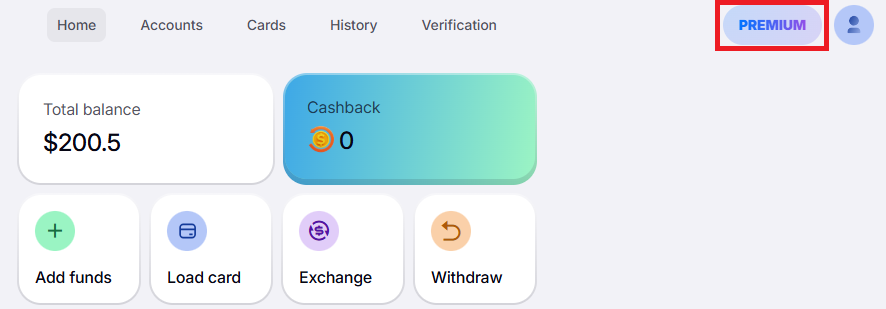
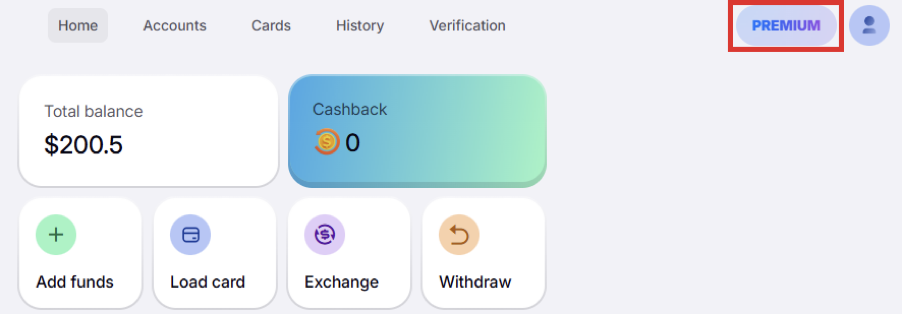
Click the “Premium” button in the upper right corner:
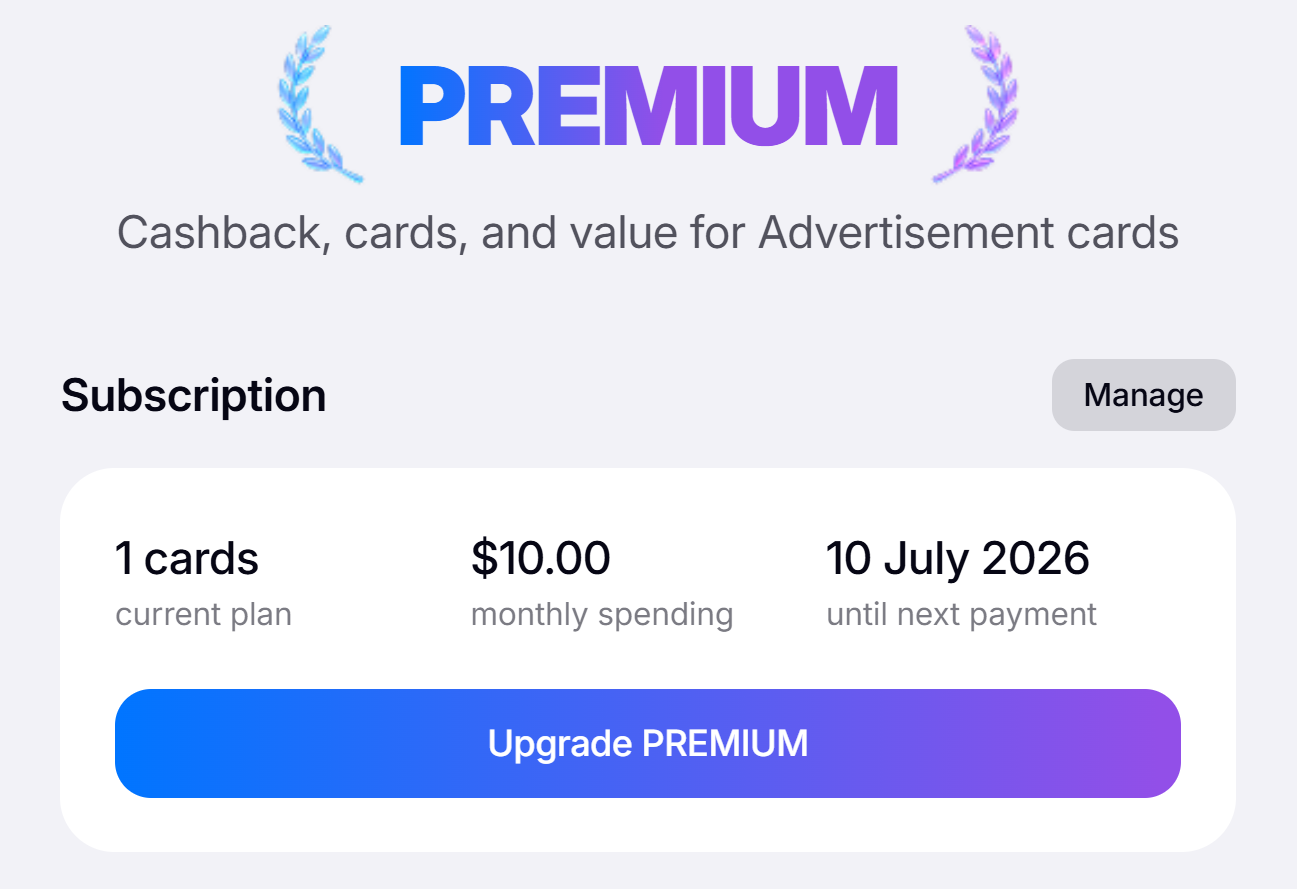
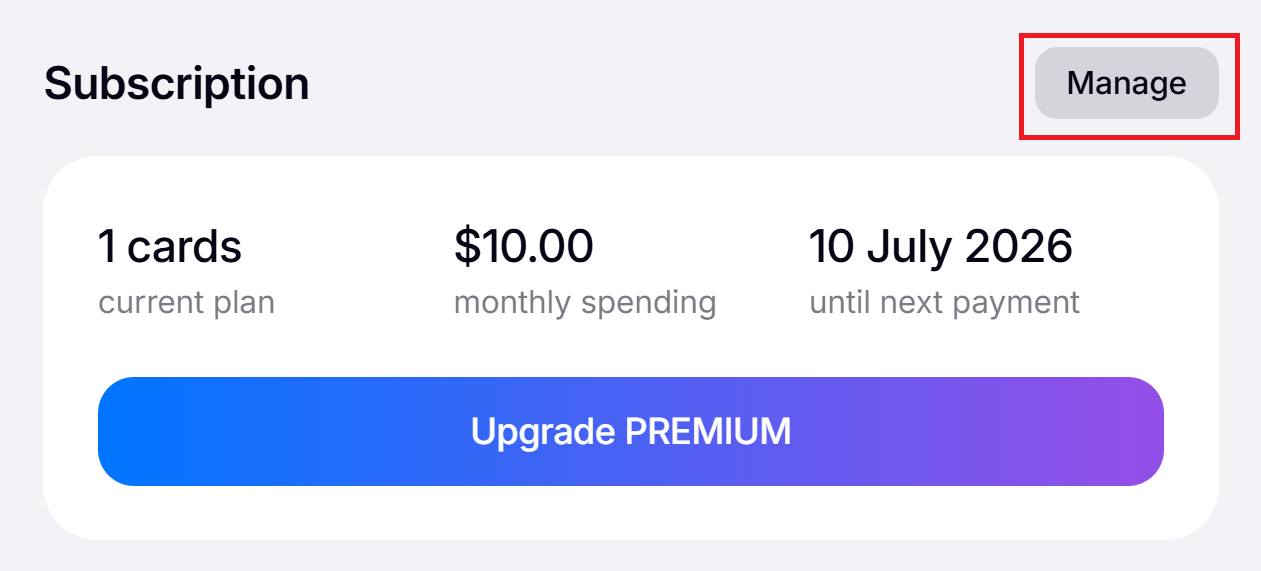
You will see your plan, its price, and the date of the next payment:
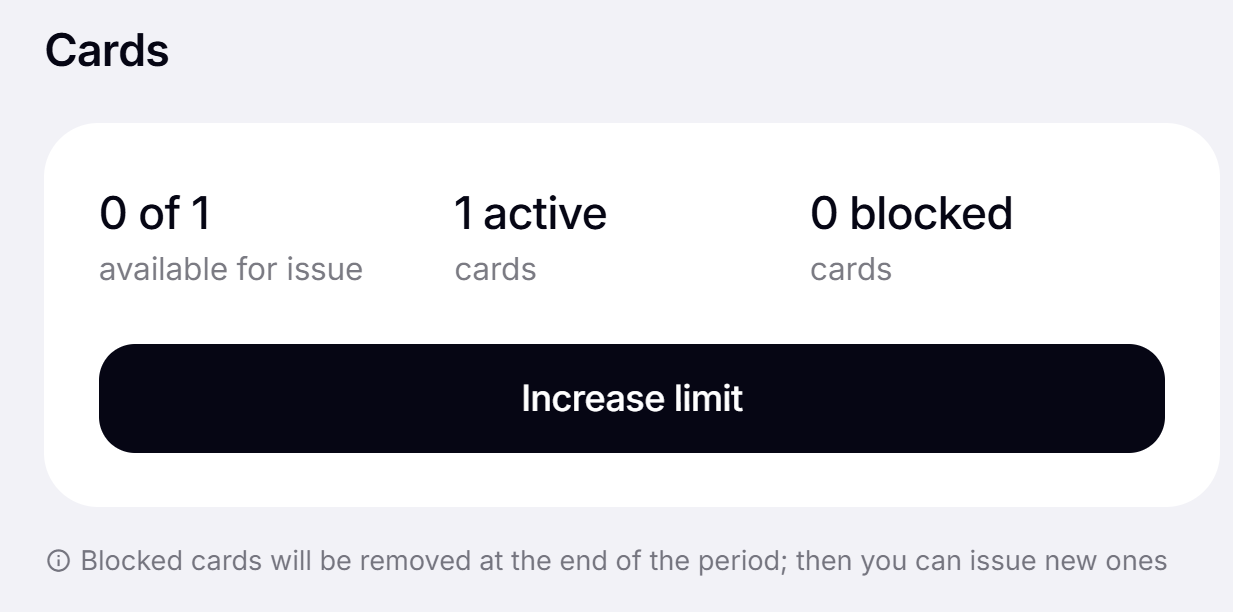
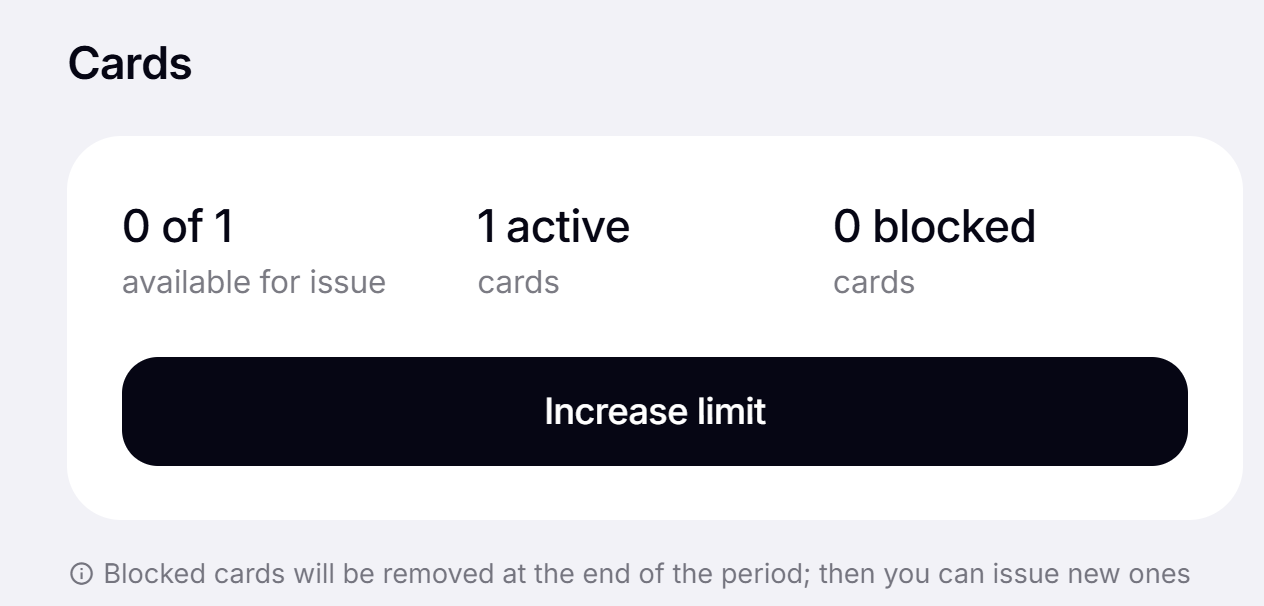
Also, here you can check how many cards you have left to issue:
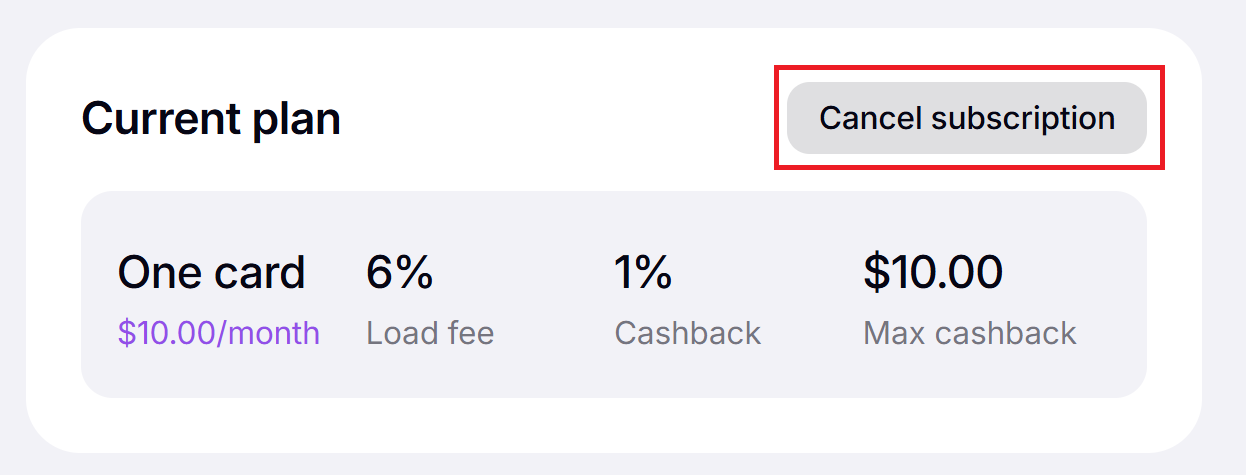
Click "Manage" to check your load fee and cashback conditions:
🚀 How to Upgrade the Subscription
If you want to get lower fees, more cashback, and more cards, you can upgrade your plan:
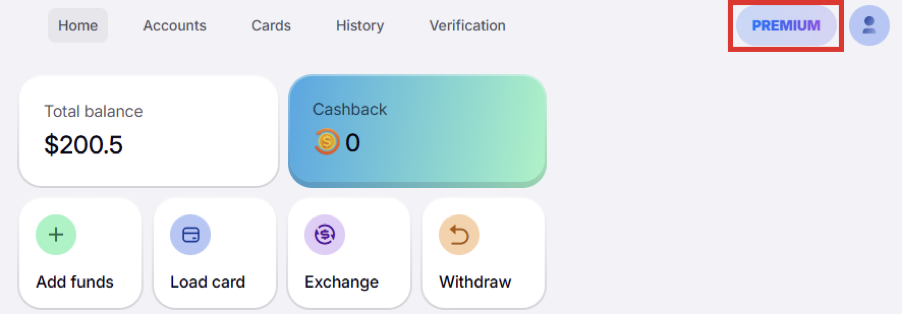
1️⃣ Click the “Premium” button in the upper right corner:
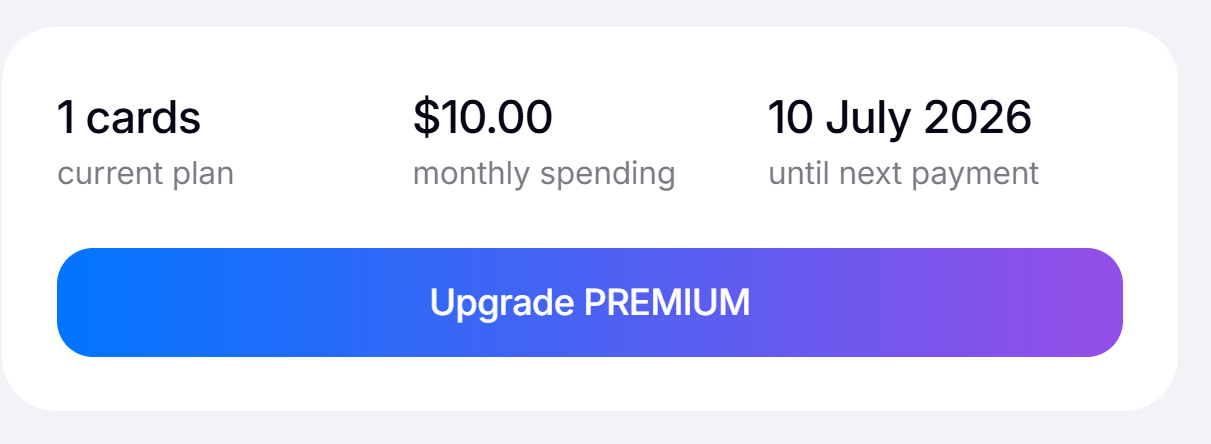
2️⃣ Click “Upgrade Premium”:
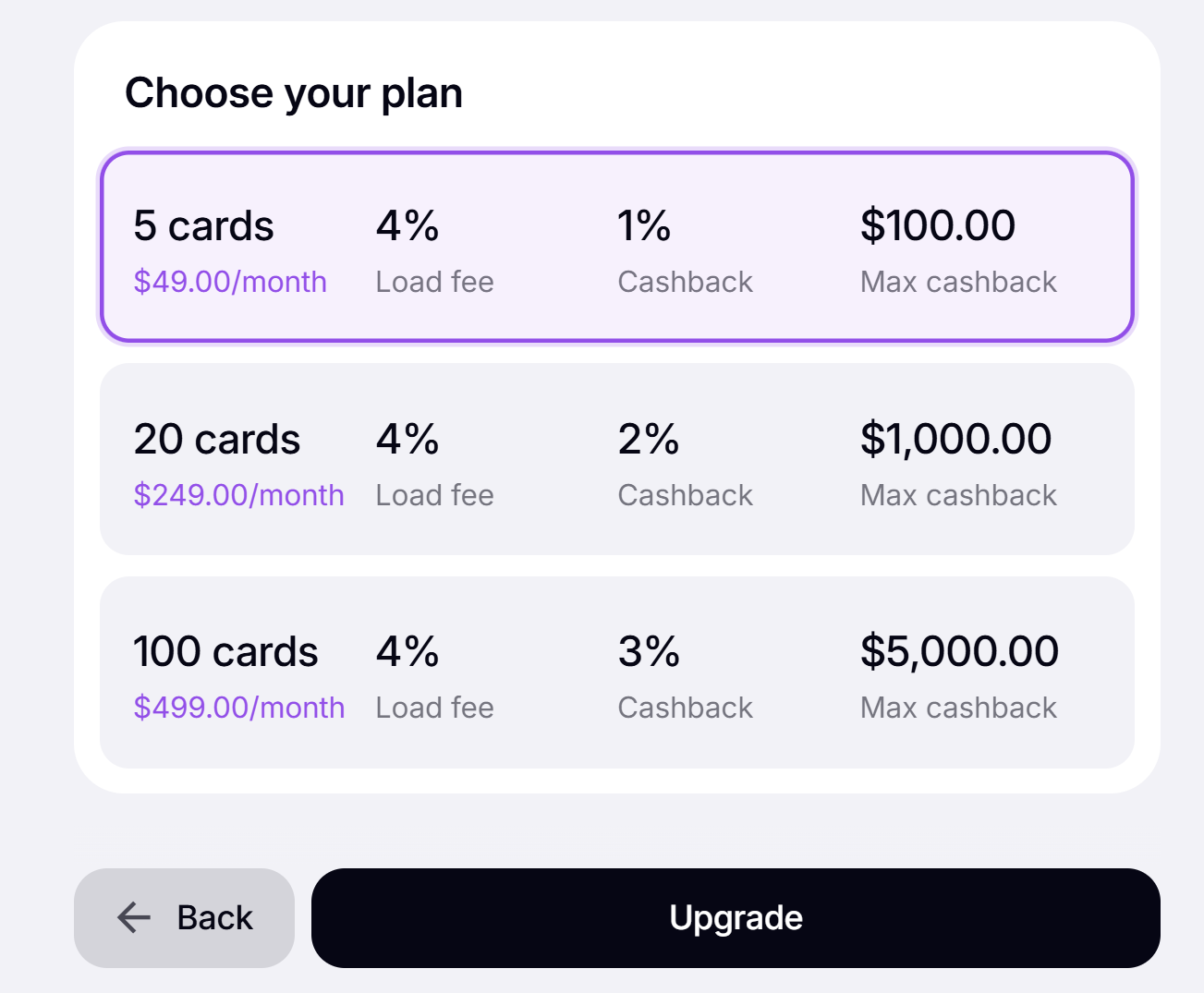
3️⃣ Choose your plan and click "Upgrade":
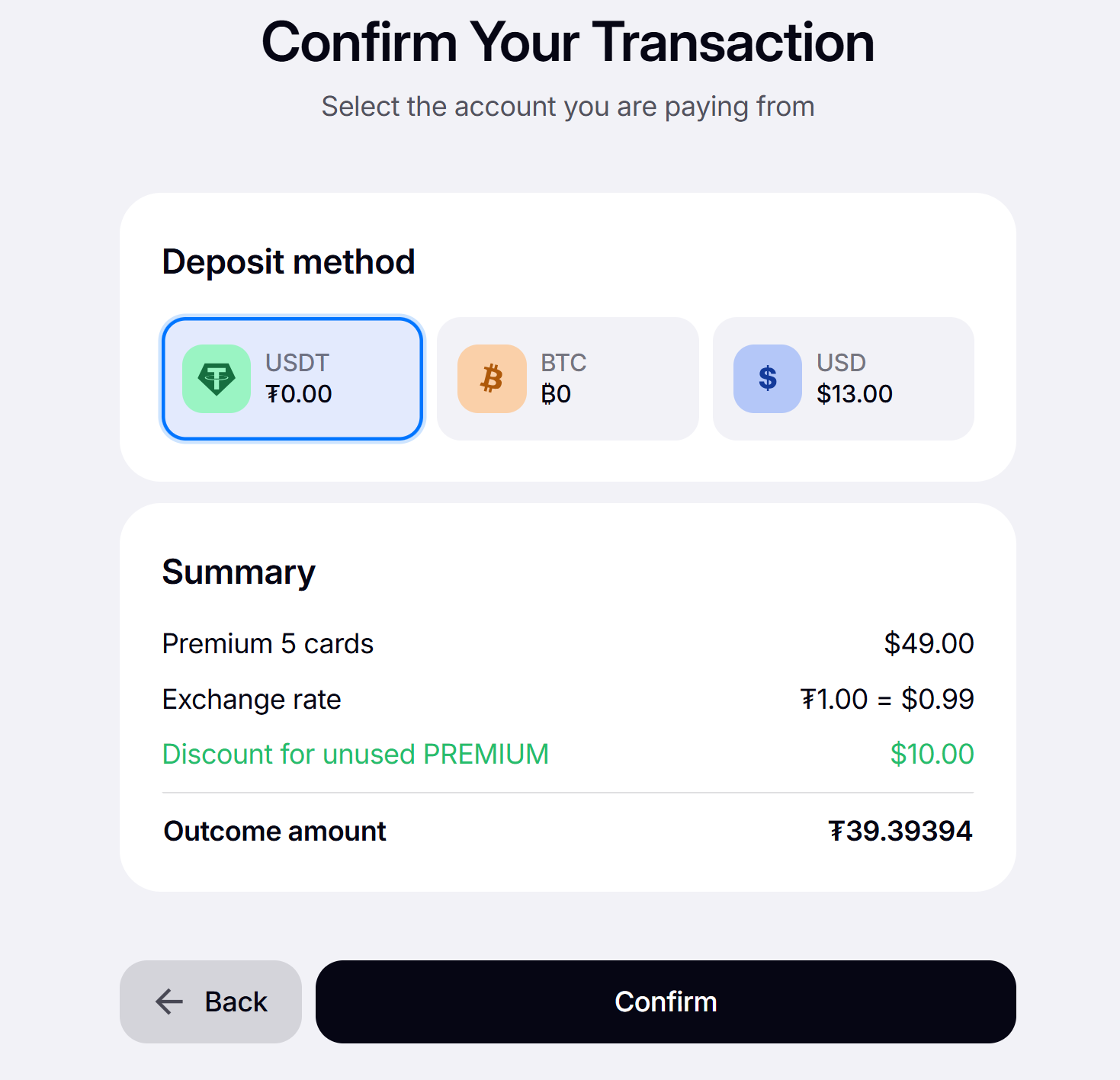
4️⃣ Select the account to pay from, check the transaction details, and click “Confirm”:
💳️ How to Increase Card Limit
Want to get more cards without upgrading your plan? Here's how:
1️⃣ Click the “Premium” button in the upper right corner:
2️⃣ Click “Increase limit”:
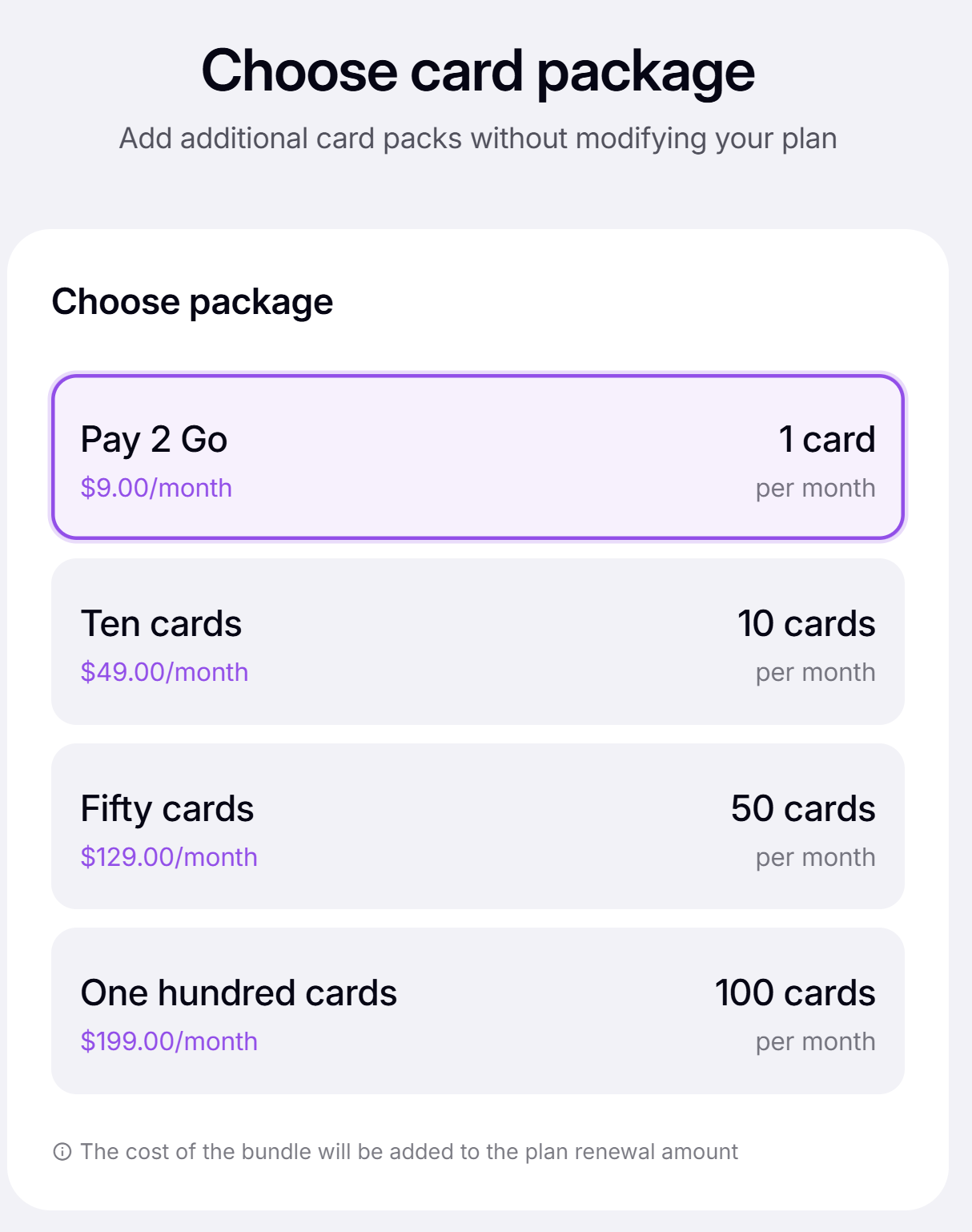
3️⃣ Choose an additional card package:
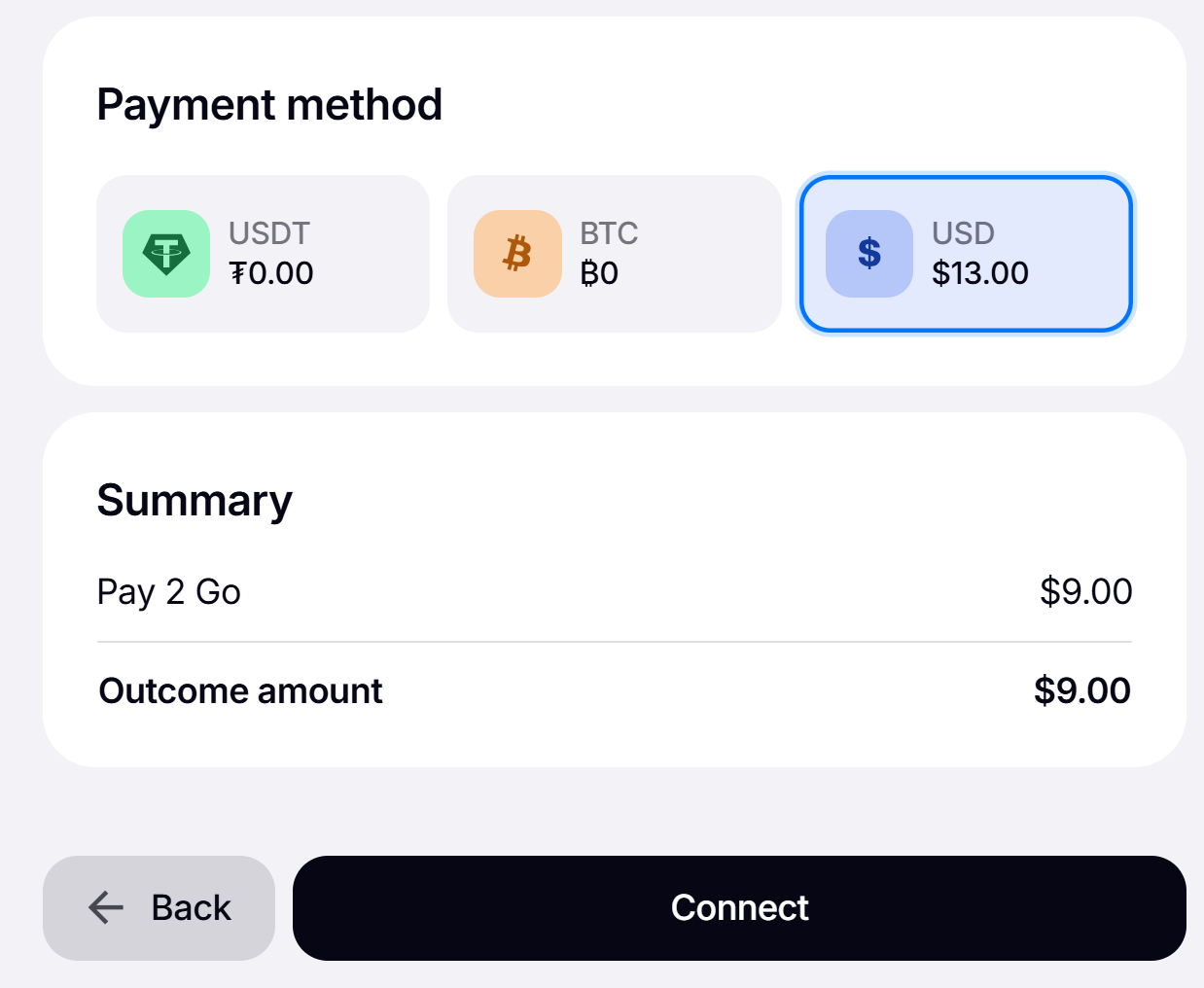
4️⃣ Select the account to pay from, check the transaction details, and click “Connect”:
🔁 How to Renew
Your Premium subscription is automatically renewed monthly, using your available account balance. Please make sure you have funds on your account balance before each subscription period starts in order for the payment to be successful.
🗑️ How to Cancel
If you’d like to cancel your Premium subscription, follow these steps:
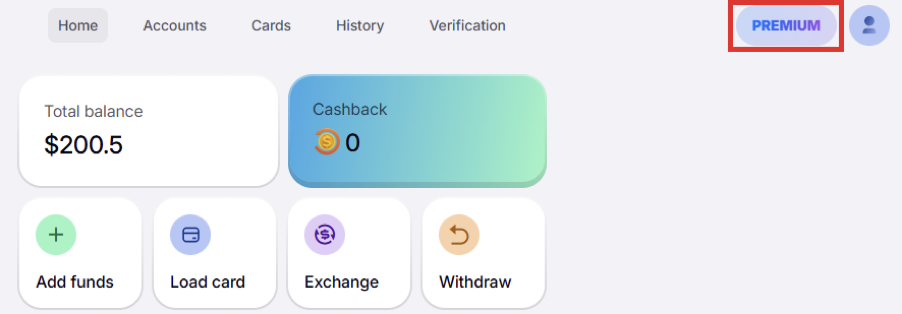
1️⃣ Click the “Premium” button in the upper right corner:
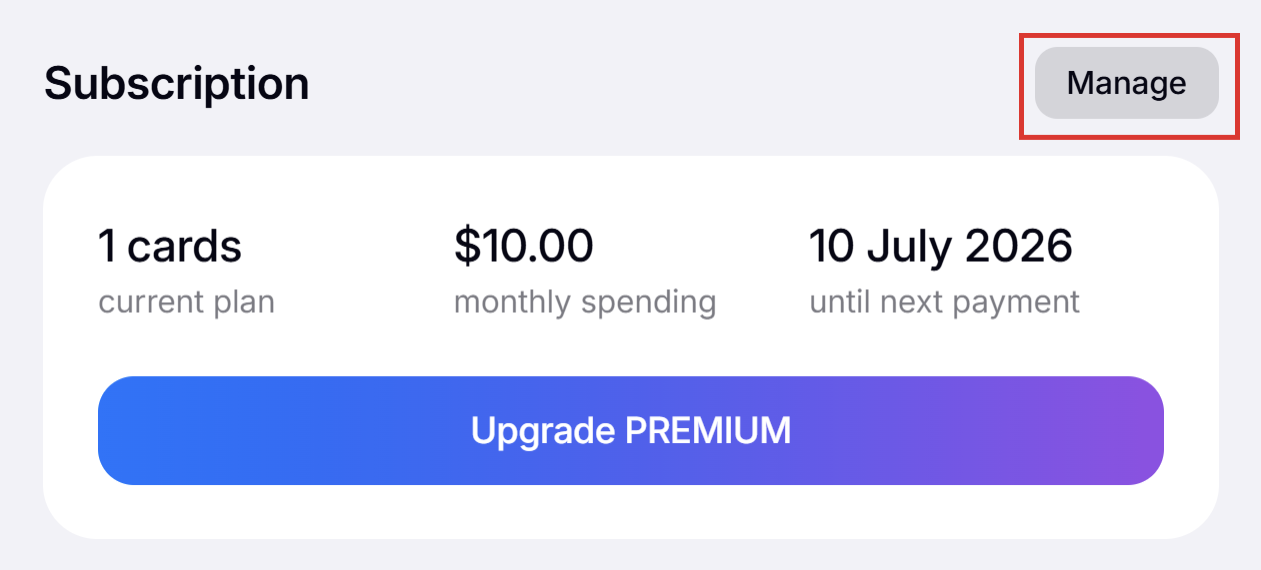
2️⃣ Click “Manage”:
3️⃣ Click "Cancel subscription":
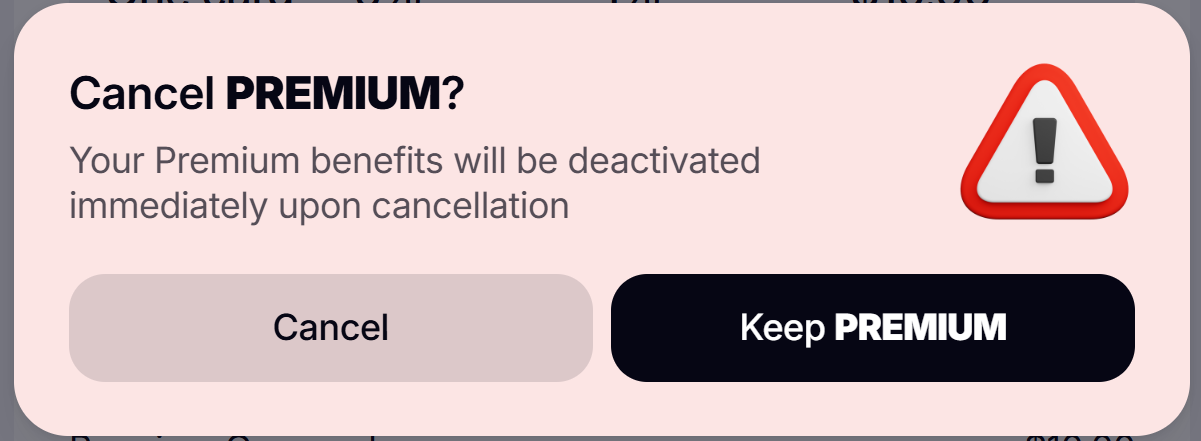
4️⃣ Check the details and confirm the cancellation by clicking the “Cancel” button: